Superbuy QC Photos: Inspect the Right Detail in the Right Item
Useful Superbuy QC photos answer a specific product question. Begin with the item and option you selected, then identify the view needed to compare it. More photographs are not necessarily better if none shows the relevant part clearly.
Establish identity before small details
Check the overall item, colour or version and included quantity. For a coordinated set, identify each piece. A close-up can be sharp while leaving unclear which product it belongs to, so read it alongside the broader view.
The links guide helps keep the original choice available. The sets article explains why the picture of an outfit and the purchased pieces need to be distinguished.
Ask a question the image can answer
For a cap, you might want to see the closure or embroidery. For trousers, you might need a measurement along a specified part of the garment. The size guide explains why the method belongs with the number.
If a label is unreadable in an overview, another overview may not solve the problem. Ask for the relevant detail. Conversely, one close label photograph does not show the whole garment's shape.
Keep visual observations within their limits
A picture can show an apparent design or a clearly photographed measurement. It cannot independently establish authenticity, comfort, material composition or long-term performance. A virtual ruler displayed beside an item is not automatically the measurement you would obtain with a tape along the required part.
For shoes, an upper view does not show the outsole. For accessories, a visible clasp does not establish the metal content. Do not let a useful image become evidence for unrelated claims.
Use shared examples without confusing their identity
A community album can illustrate useful angles. Check whether it actually depicts the same item and version before relying on it for your selection. Remove account information, addresses and private transaction identifiers from any image you share yourself.
The community guide helps frame a focused question. After resolving the important visible details, continue with parcel planning; repeatedly collecting unrelated QC images will not make the answer more precise.
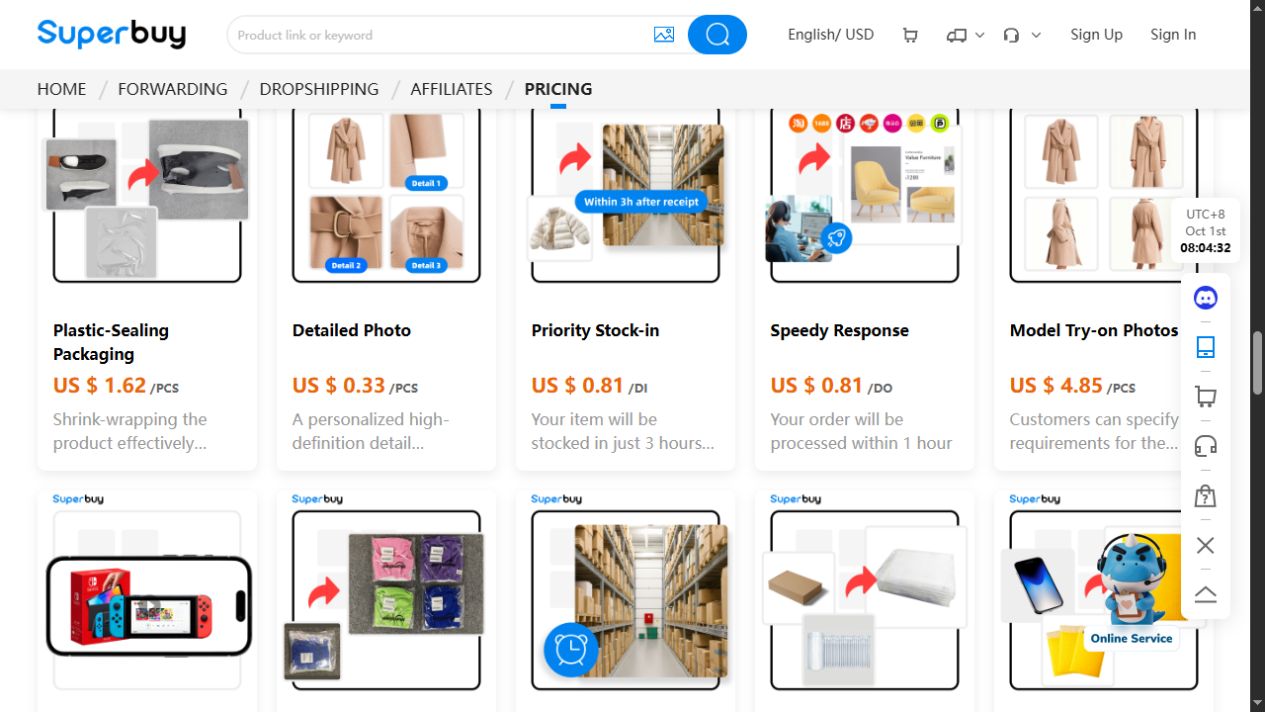
The optional Detailed Photo card was captured on 1 October 2026. Its displayed price belongs to that interface snapshot. Choose a request for the measurement or angle you actually need, and check the current charge before submitting it.
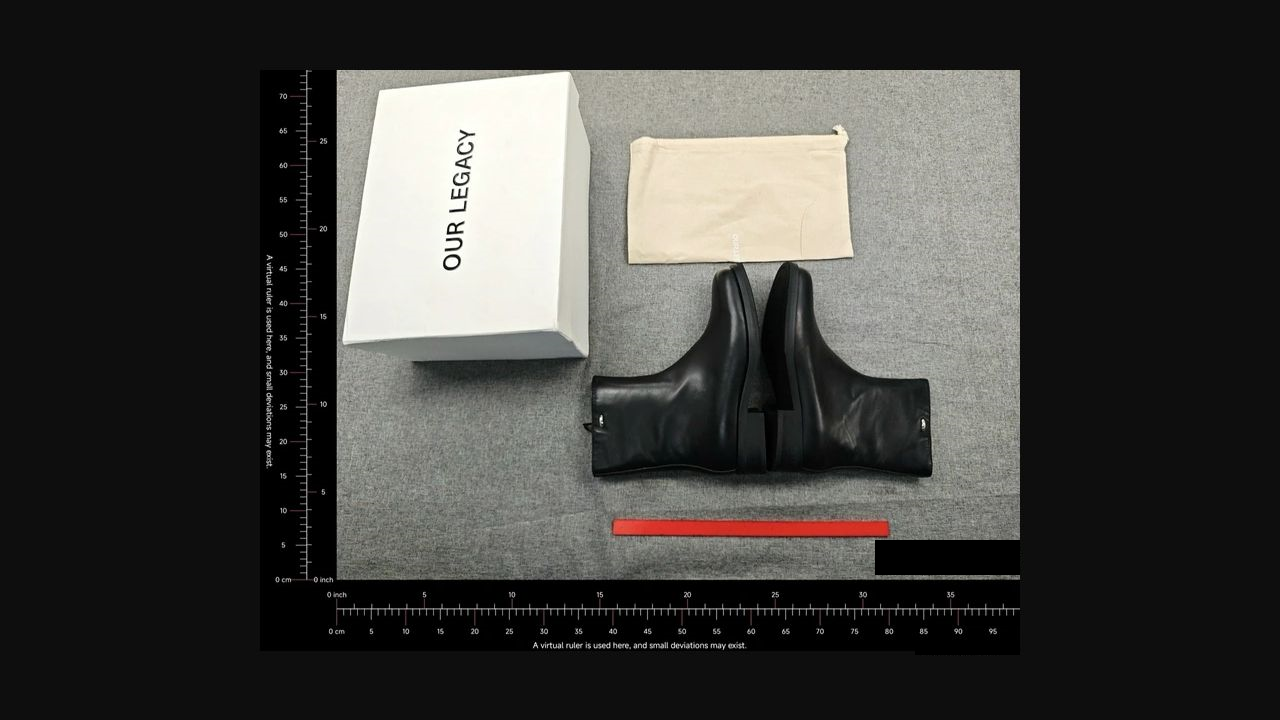
One community author attributed this boots-and-packaging example to a Superbuy order. The visible box and fabric bag help illustrate a question about included pieces. This view does not establish a readable size label, outsole condition or fit; the virtual ruler is not a targeted measurement. The linked OG product is a separate catalogue example.
For a concrete product comparison, view the sneakers on OG and identify the view or size-label detail needed for your question.
If the item in your photos looks wrong
Compare the selected option in your order with the label in the warehouse photo. If the label or the item differs, keep the item in the warehouse and attach the two views to the order enquiry. Say which outcome you want, such as the correct size or a return. Check the seller’s deadline and any domestic postage before agreeing to send it back.